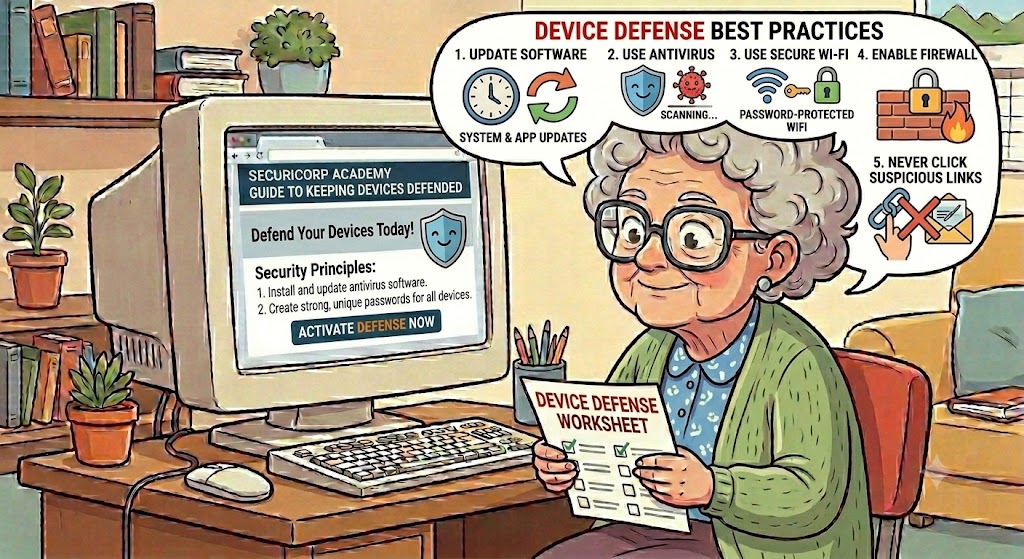
Securing devices for seniors relies on simple “digital housekeeping” combined with awareness of common scams. Key steps include turning on automatic updates for software, using long and unique passwords, enabling two-step verification, and being extremely cautious about clicking links in unexpected emails or texts.
Here is a practical breakdown of the best device and account defense practices for older adults:
1. Account & Password Protection:
• Use Strong Passwords: Create passphrases or long passwords (at least 12–14 characters) that mix letters, numbers, and symbols, avoiding obvious details like birthdays or pet names. ·
• Use Password Managers: Rely on built-in tools (like the Passwords app on iPhones) or dedicated password managers to generate and safely store complex passwords so they are not forgotten or reused. ·
• Enable Multi-Factor Authentication (MFA): Turn on MFA wherever possible. This adds an extra step—like a code sent to a mobile phone—to ensure only authorized users access the account.
2. Device Defense & Software Updates·
• Turn on Automatic Updates: Ensure computers, tablets, and smartphones are set to update automatically. Software patches fix security vulnerabilities that hackers look to exploit. ·
• Install Security Software: Add reputable, recognized antivirus and anti-spyware programs to computers and set them to scan regularly. ·
• Hide Personal Information: Avoid having sensitive data (Social Security or Medicare numbers) stored openly on devices or shared over email or social media.
3. Safe Browsing & Email Habits·
• Verify Links: Never click on links in unsolicited or unexpected emails and text messages. Even clicking an “Unsubscribe” button in a suspicious message can be dangerous. ·
• Confirm the Source: Government agencies, banks, and reputable companies will not pressure anyone to act immediately or share passwords over the phone or email. ·
• Watch for Lock Icons: Before shopping or banking online, ensure the website has a padlock icon next to its web address and starts with https://
4. Financial Defenses·
• Use Credit Cards for Purchases: Credit cards offer better fraud protection and dispute resolution than debit cards if a card is compromised online. ·
• Ignore Tech Support Scams: Do not believe sudden pop-ups or phone calls claiming that a computer is infected and demanding payment for a “fix”.